Financial Statements Dashboard
P&L, balance sheet and cash flow with variance analysis.
AED 299
P&L, balance sheet and cash flow with variance analysis.
A ready-to-use Power BI dashboard with a clean layout, sensible defaults and documented measures. Connect your own data, adjust the theme and publish.
Includes a sample dataset so you can explore every page before connecting your own sources.
Features
- Interactive P&L with drill-down
- Budget vs actual variance
- Cash flow and working capital
- Period and entity slicers
Requirements
- Power BI Desktop (latest version)
- Your own data source or the included sample dataset
Report pages
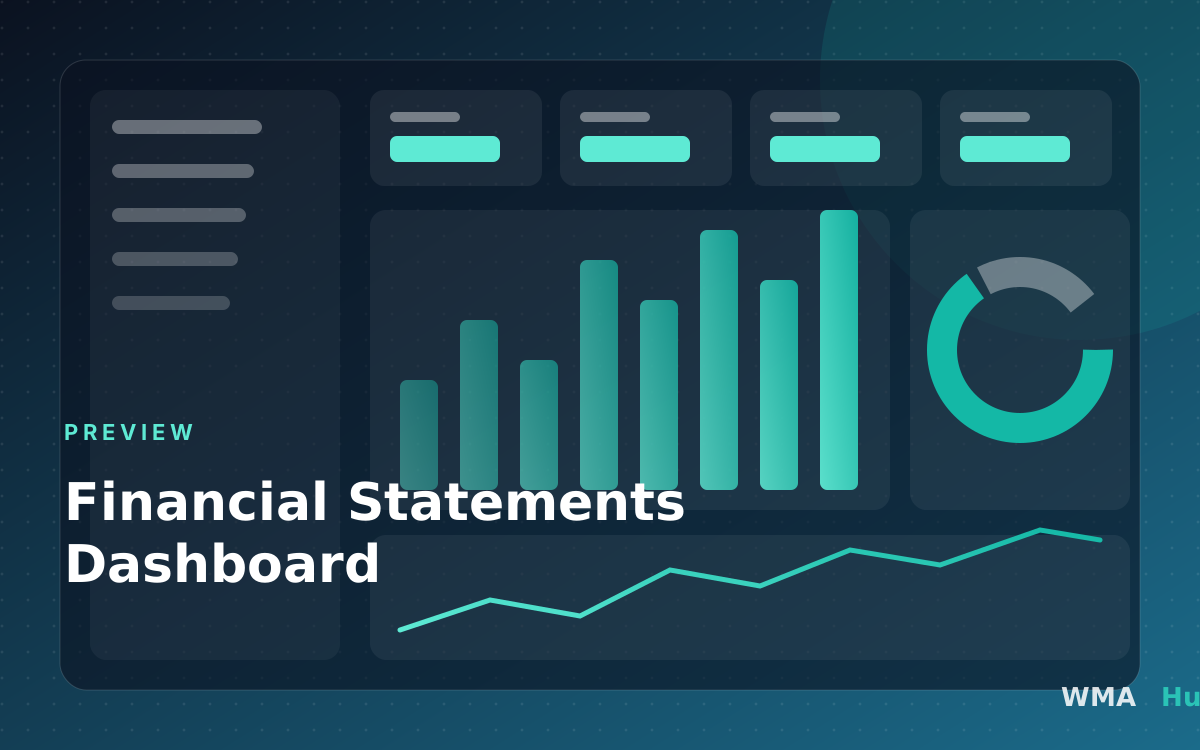
- Income statement: Revenue to net income with period comparison
- Balance sheet: Assets, liabilities and equity
- Cash flow: Operating, investing and financing movements
- Ratios: Margins, liquidity and leverage
Measures and calculations
- Net income: Revenue minus all expenses for the period
- Current ratio: Current assets divided by current liabilities
- Operating margin %: Operating income divided by revenue
- Fiscal YTD: Year-to-date total for your fiscal calendar
Data model and required fields
GL[Date](Date): Posting dateGL[Account](Text): Account codeGL[Amount](Decimal): Posted amount (debit positive)Accounts[Account](Text): Account codeAccounts[Statement](Text): Income statement, Balance sheet or Cash flowAccounts[Category](Text): Reporting line
Compatibility and prerequisites
- Power BI Desktop (current release recommended). The report uses standard visuals only, so no custom visuals need to be installed. - Works with Import mode. DirectQuery is possible for most sources but is not tested. - Publishing and sharing needs a Power BI Pro or Premium Per User licence for you and your viewers, or a Premium capacity.
Included files
- Dashboard.pbix: The Power BI report with the data model and measures
- Setup guide (PDF): Step-by-step instructions to connect your own data
License options
- Single user: One named person may use and edit the template for their own work
- Company: Colleagues at one company may use it for that company's internal reporting
- Agency: Use with clients: contact us for a client-work licence
Changelog
Version 1.0.0
Initial release
This template is licensed under our Template Licence.