HR Analytics Dashboard
Headcount, attrition and hiring funnel in one place.
AED 179
Headcount, attrition and hiring funnel in one place.
A ready-to-use Power BI dashboard with a clean layout, sensible defaults and documented measures. Connect your own data, adjust the theme and publish.
Includes a sample dataset so you can explore every page before connecting your own sources.
Features
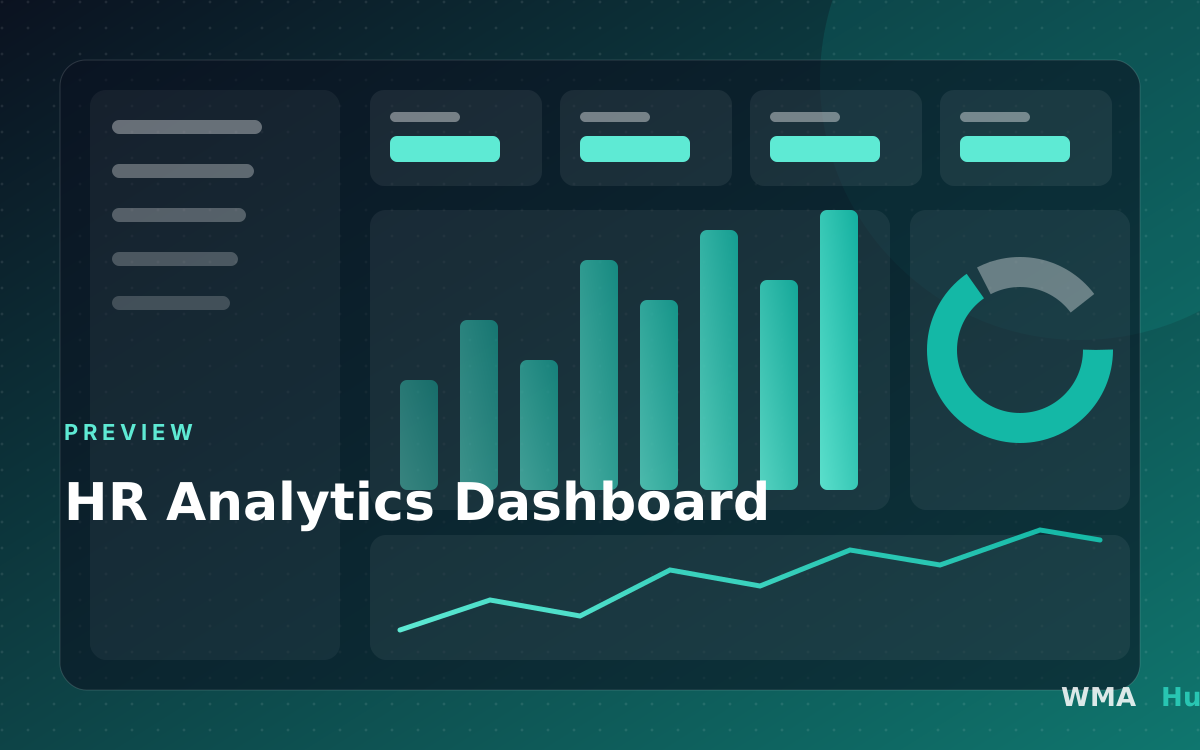
- Headcount and attrition trends
- Hiring funnel and time-to-fill
- Diversity and tenure breakdowns
Requirements
- Power BI Desktop (latest version)
- Your own data source or the included sample dataset
Report pages
- Headcount: Employees by department, location and tenure
- Attrition: Leavers, attrition rate and reasons
- Hiring: Open roles and time to hire
Measures and calculations
- Headcount: Employees active on the last day of the selected period
- Attrition rate %: Leavers divided by average headcount
- Average tenure: Average years of service of active employees
- Time to hire: Days from requisition to accepted offer
Data model and required fields
Employees[EmployeeId](Text): Anonymous employee keyEmployees[Department](Text): DepartmentEmployees[HireDate](Date): Start dateEmployees[LeaveDate](Date): Leaving date (empty if active)Requisitions[OpenDate](Date): Role openedRequisitions[FilledDate](Date): Offer accepted
Compatibility and prerequisites
- Power BI Desktop (current release recommended). The report uses standard visuals only, so no custom visuals need to be installed. - Works with Import mode. DirectQuery is possible for most sources but is not tested. - Publishing and sharing needs a Power BI Pro or Premium Per User licence for you and your viewers, or a Premium capacity. - HR data is sensitive: use anonymous keys and restrict access with row-level security before sharing.
Included files
- Dashboard.pbix: The Power BI report with the data model and measures
- Setup guide (PDF): Step-by-step instructions to connect your own data
License options
- Single user: One named person may use and edit the template for their own work
- Company: Colleagues at one company may use it for that company's internal reporting
- Agency: Use with clients: contact us for a client-work licence
Changelog
Version 1.0.0
Initial release
This template is licensed under our Template Licence.